Jobs & Workflow
Job reports
Job reports give you a full record of everything that happened on a job — every step, customer interaction, and team action, with timestamps.
Generating a report
- On the job card, click the Actions menu (three dots)
- Select Job Report
The report includes the job timeline, step history, and a summary of all customer activity.
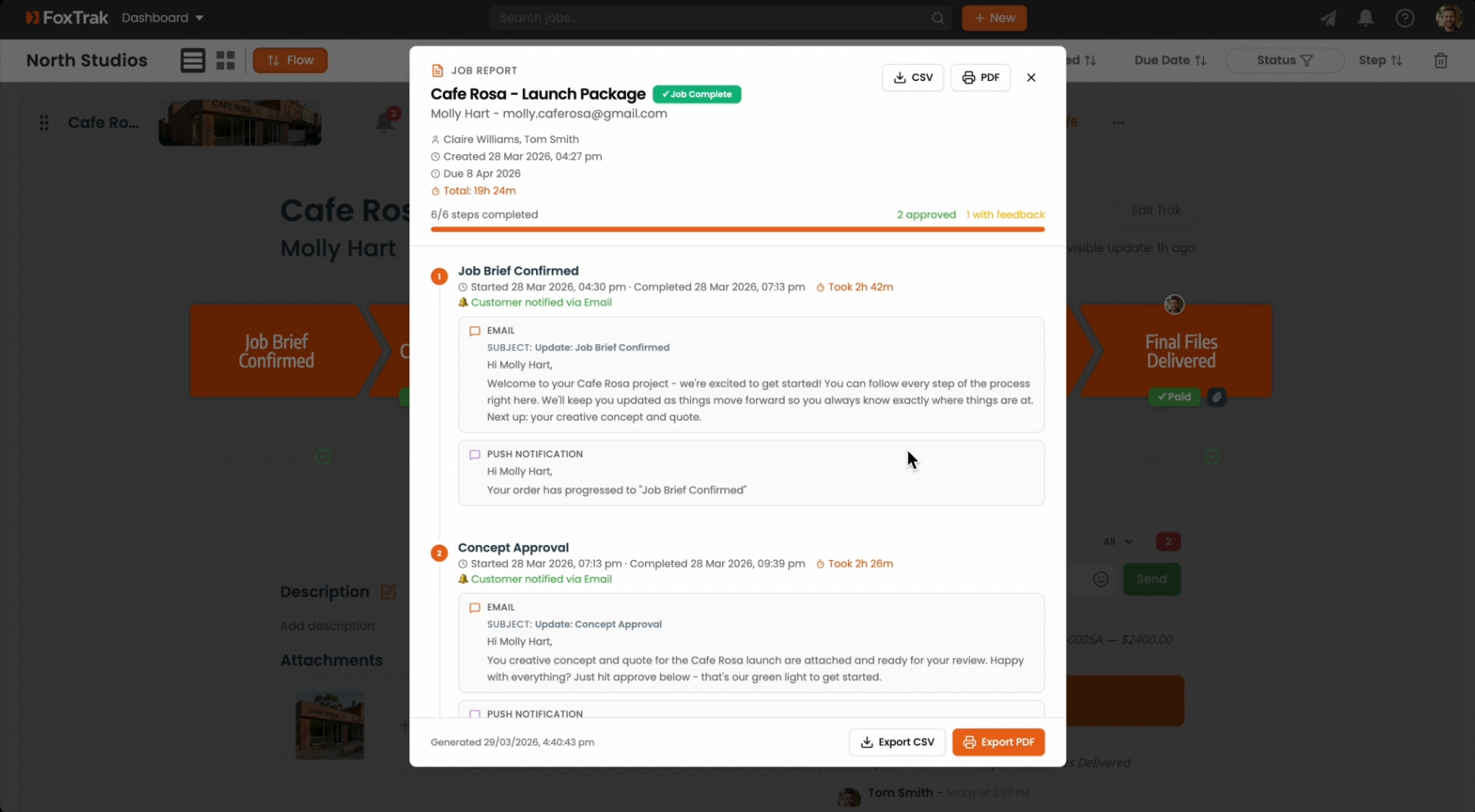
Exporting
Reports can be exported as PDF or CSV for record keeping, sharing with clients, or attaching to invoices.
Plan requirement
Job reports are available on Essentials and above.
Job reports are useful for resolving disputes, reviewing how long each stage took, and improving your process for future jobs.