Quotes, Invoices & Payments
Setting up Stripe
Connect Stripe to FoxTrak and let customers pay invoices online by card - directly through their tracker.
Connecting Stripe
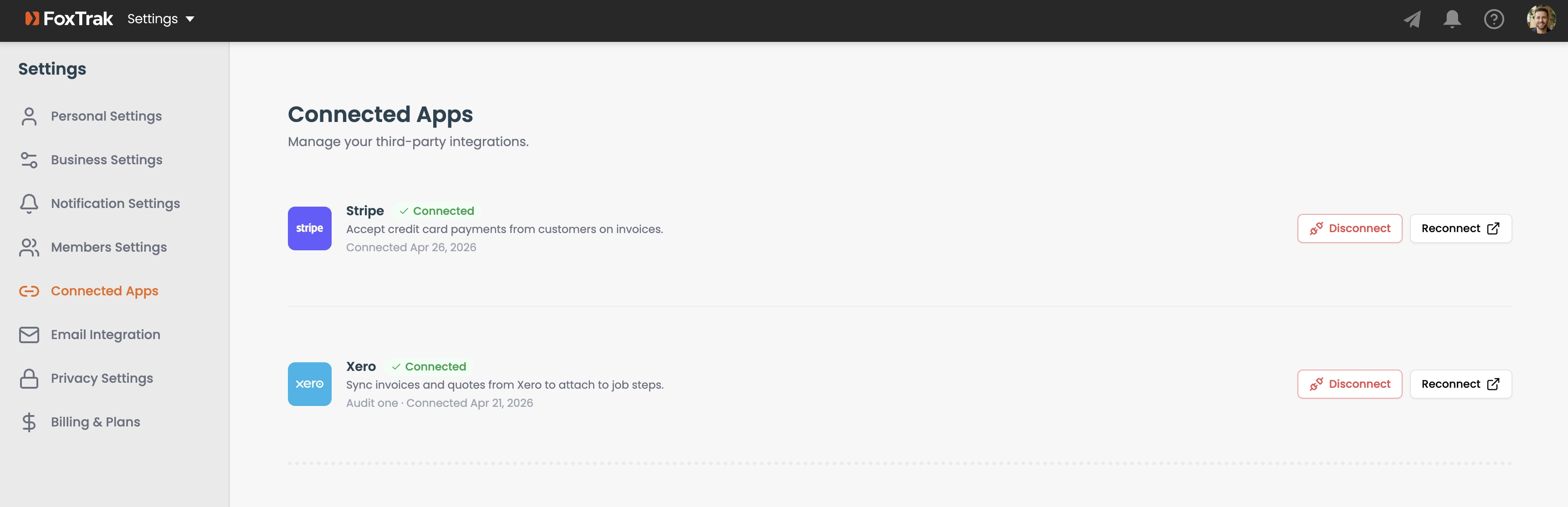
- Go to Settings → Connected Apps
- Click Connect Stripe
- Complete the Stripe account connection flow
How customer payments work
When a customer clicks Pay Now, they're taken to a Stripe checkout page pre-filled with the invoice amount and currency. Payment goes directly into your Stripe account - FoxTrak never touches the funds. Once the payment is complete, FoxTrak is notified automatically and the invoice is marked as paid, so you don't have to do anything manually.
Stripe payments are processed securely by Stripe - FoxTrak never handles card details directly.