How customer updates work
When you mark a step complete, FoxTrak sends your customer an update - an email, SMS, or both, depending on the contact details on the job and how the step message is configured.
What gets sent
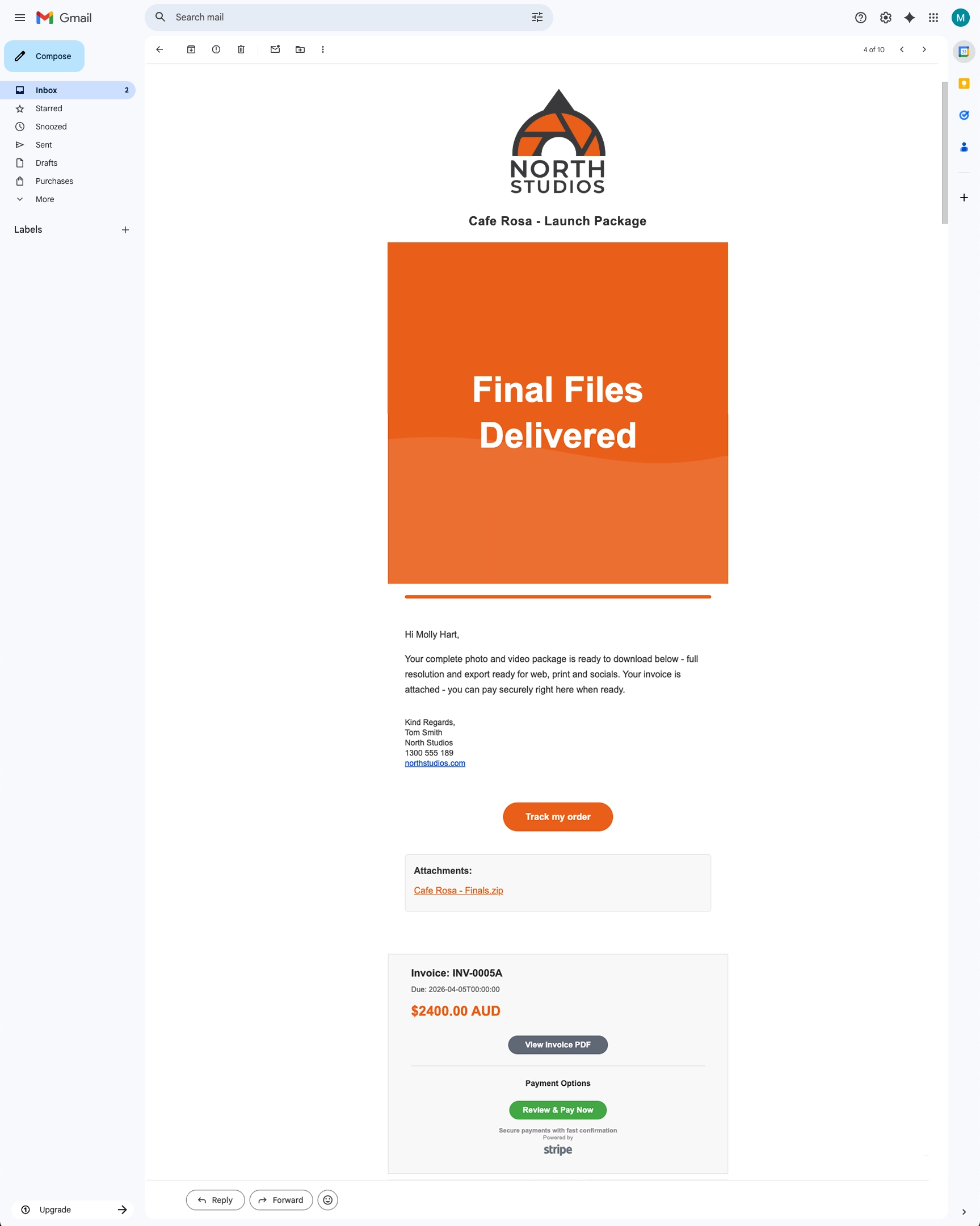
Each step has its own message that you can customise. When you trigger an update, FoxTrak sends that message to all contacts on the job. The message includes:
- Your business greeting (if enabled on the step)
- The step message body
- Your business footer
- Any attachments you've added to the message
- A link to their live tracker
Delivery channels
FoxTrak sends updates via email and/or SMS depending on the contact details on the job. If your customer has an email address, they get an email. If they have an Australian or UK mobile number, they get an SMS. If both are added, they receive both.
Customers with the FoxTrak iOS app also receive push notifications and can view the live tracker, all messages, attachments, quotes, and invoices directly in the app — anytime, anywhere.
The customer can also follow the job's progress at any time via the live tracker link sent with each update.
Every update is tracked in the Sent Messages page — you can see exactly what was sent, to whom, and whether it was delivered.