Quotes, Invoices & Payments
Setting up Square
Connect Square to FoxTrak and let customers pay invoices online by card - directly through their tracker.
Connecting Square
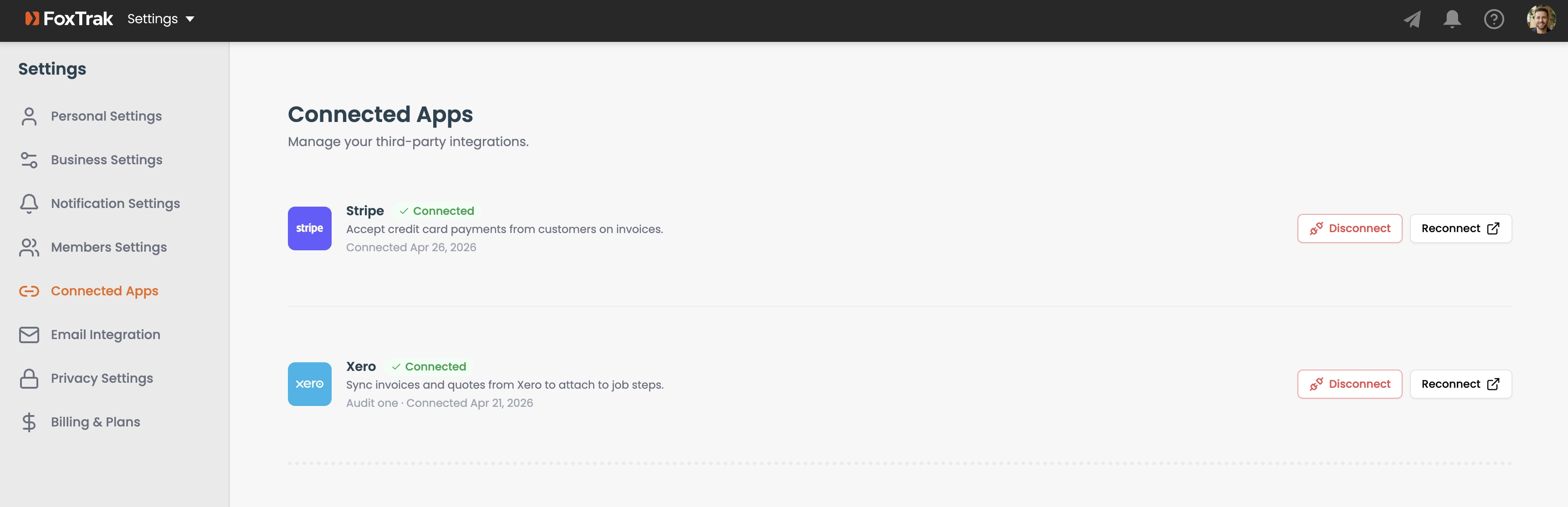
- Go to Settings → Connected Apps
- Click Connect Square
- Complete the Square account connection flow
How customer payments work
When a customer clicks Pay Now, they're taken to a Square checkout page pre-filled with the invoice amount and currency. Payment goes directly into your Square account - FoxTrak never touches the funds. Once the payment is complete, FoxTrak is notified automatically and the invoice is marked as paid, so you don't have to do anything manually.
Square payments are processed securely by Square - FoxTrak never handles card details directly.