Connected apps
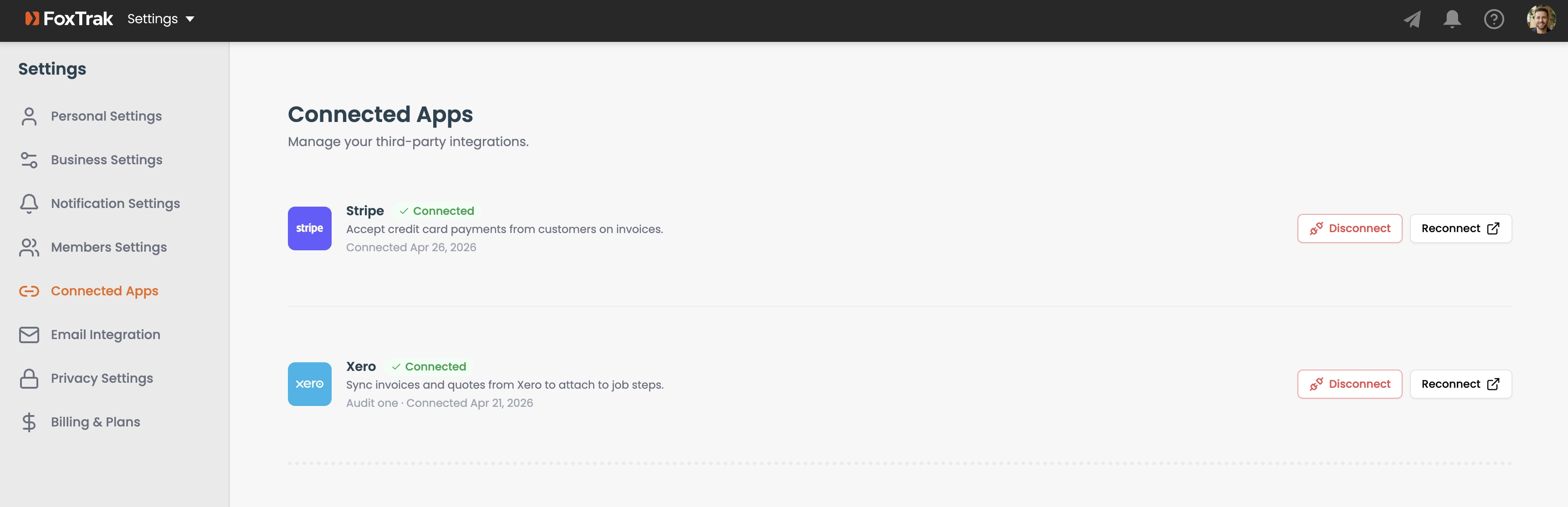
FoxTrak integrates with third-party apps to streamline your workflow. Manage all your connections from the Connected Apps tab in Settings.
Accessing Connected Apps
Go to Settings → Connected Apps. Each integration shows its connection status, and a button to connect or disconnect.
Xero
Connect Xero to automatically fetch your quotes and invoices when attaching them to job steps, and to sync payment status back to Xero when a customer pays. See Importing and syncing from Xero for full setup instructions.
Stripe
Stripe powers online card payments from customers. Once connected, a Pay Now button appears on invoice steps with payment requests enabled. See Setting up Stripe for details.
Square
Square is an alternative to Stripe for powering online card payments from customers. Once connected, a Pay Now button appears on invoice steps with payment requests enabled. See Setting up Square for details.
Coming soon
Additional integrations including Zapier and QuickBooks are listed as coming soon.
Disconnecting an integration
Click Disconnect or Remove next to the integration. This immediately removes the connection and disables any related functionality — for example, disconnecting Xero disables auto-fetch of invoices.
Only Admins can connect and disconnect integrations.