Customisation
Business details
Your business details control how FoxTrak represents your business to customers - in messages, on the tracker, and across all communications.
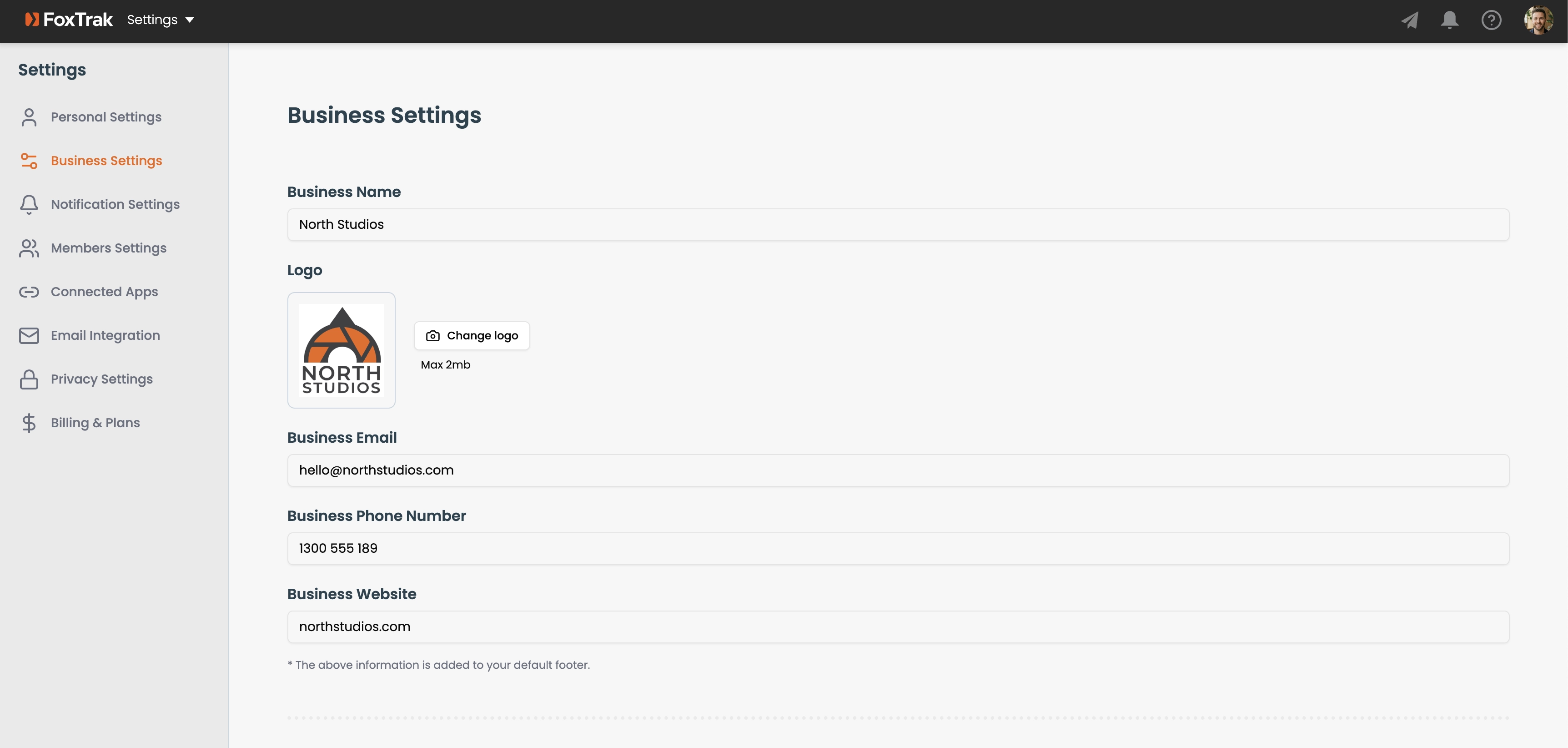
Setting your business details
Go to Settings → Business Settings and fill in:
- Business name — appears in all customer emails and SMS messages
- Logo — appears on the customer tracker and in emails
- Business Email — included in your auto-generated footer
- Business Phone Number — included in your auto-generated footer
- Business Website — included in your auto-generated footer
Saving changes
Click Save Changes when you're done. Changes sync across your team in real time.
Your footer auto-updates when you change your business name, phone, or website — unless you've manually edited it, in which case it locks and you'll need to update it manually.