Customer payment options
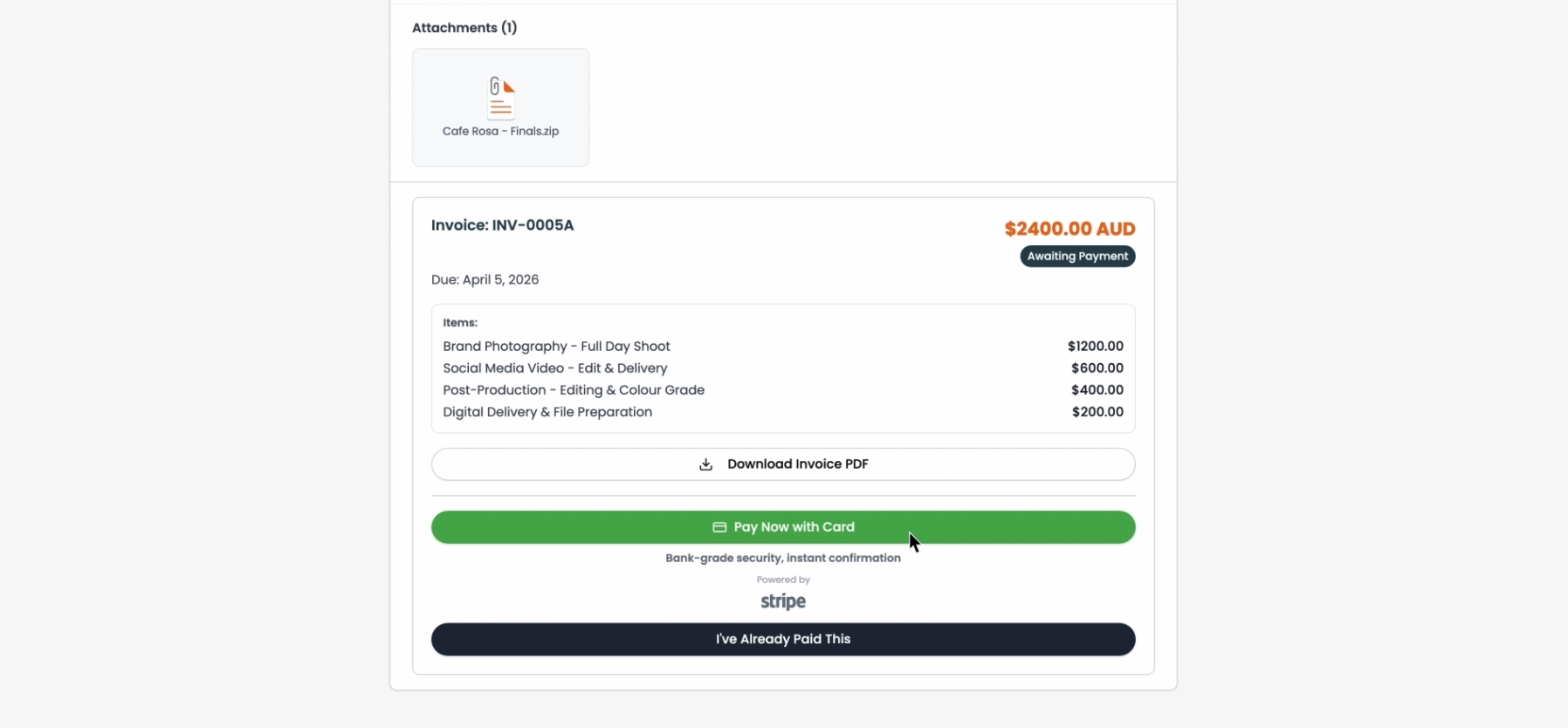
Customers can pay invoices directly through their tracker - no phone calls, no emails back and forth. Here's how each payment method works from the customer's perspective.
Stripe or Square (online card payment)
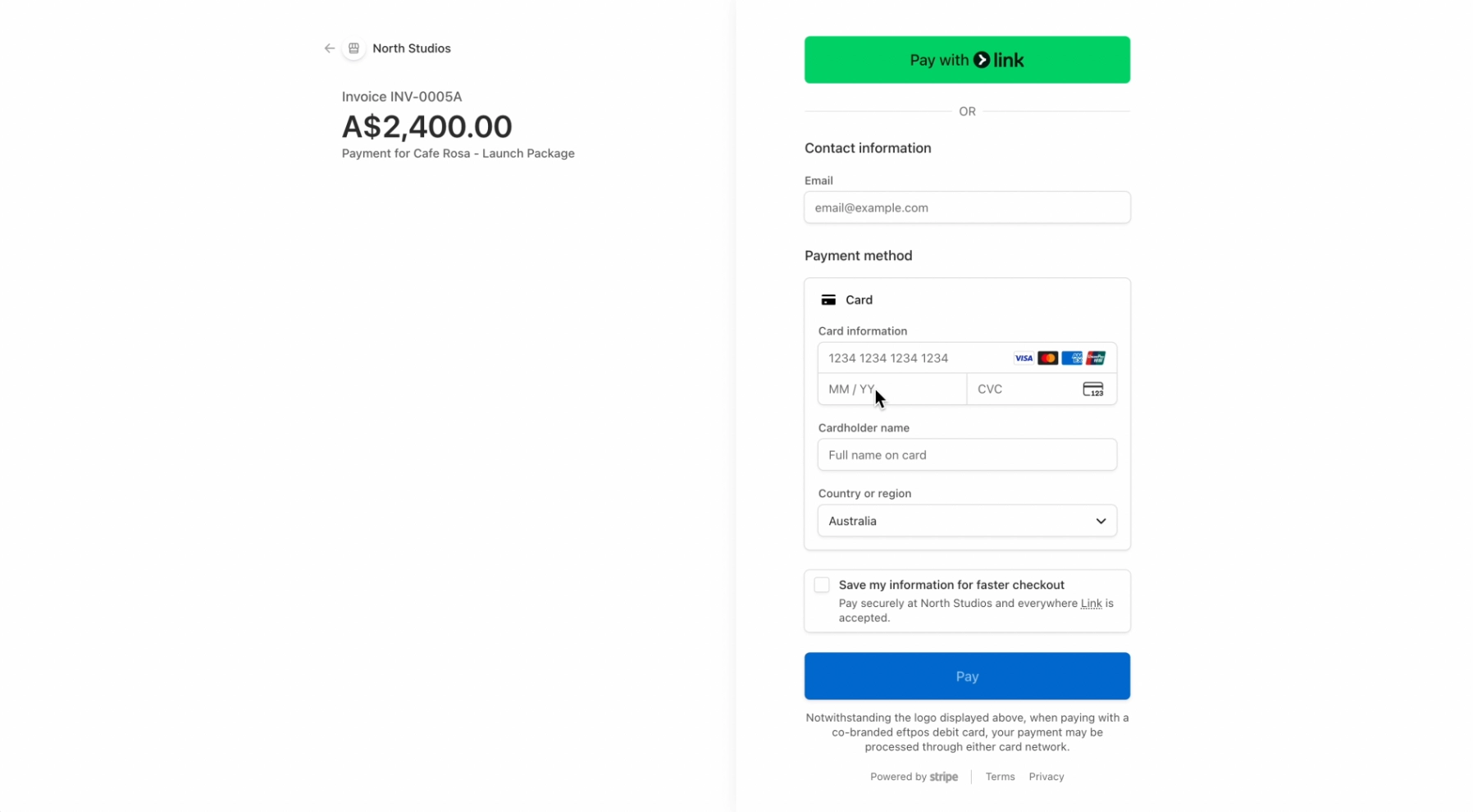
The customer clicks Pay Now and is taken to a checkout page hosted by whichever provider you've connected - Stripe or Square. The invoice amount and currency are pre-filled. Payment goes directly into your connected account - FoxTrak never touches the funds. After entering their card details and completing checkout, payment is confirmed automatically and the invoice is marked as paid.
Bank transfer, cash, cheque, or other
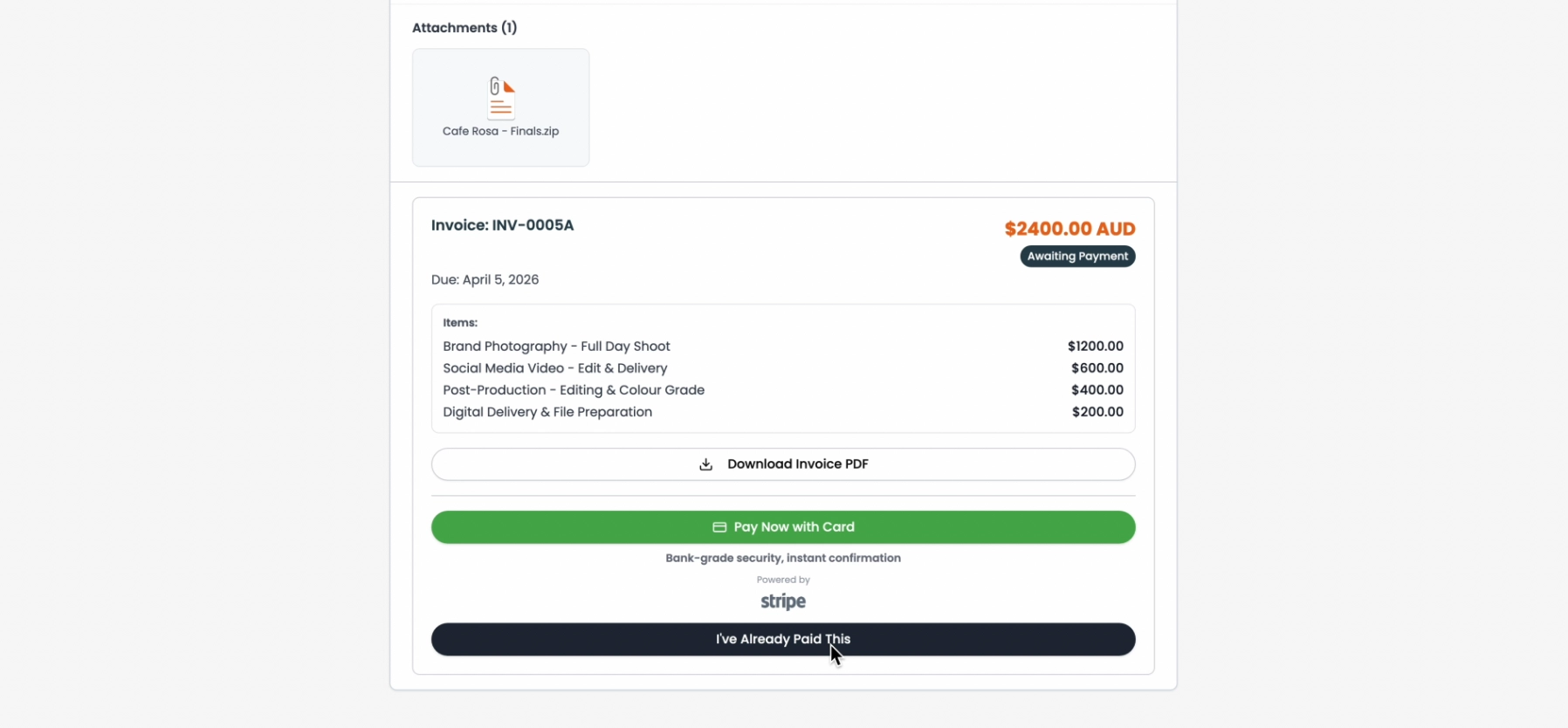
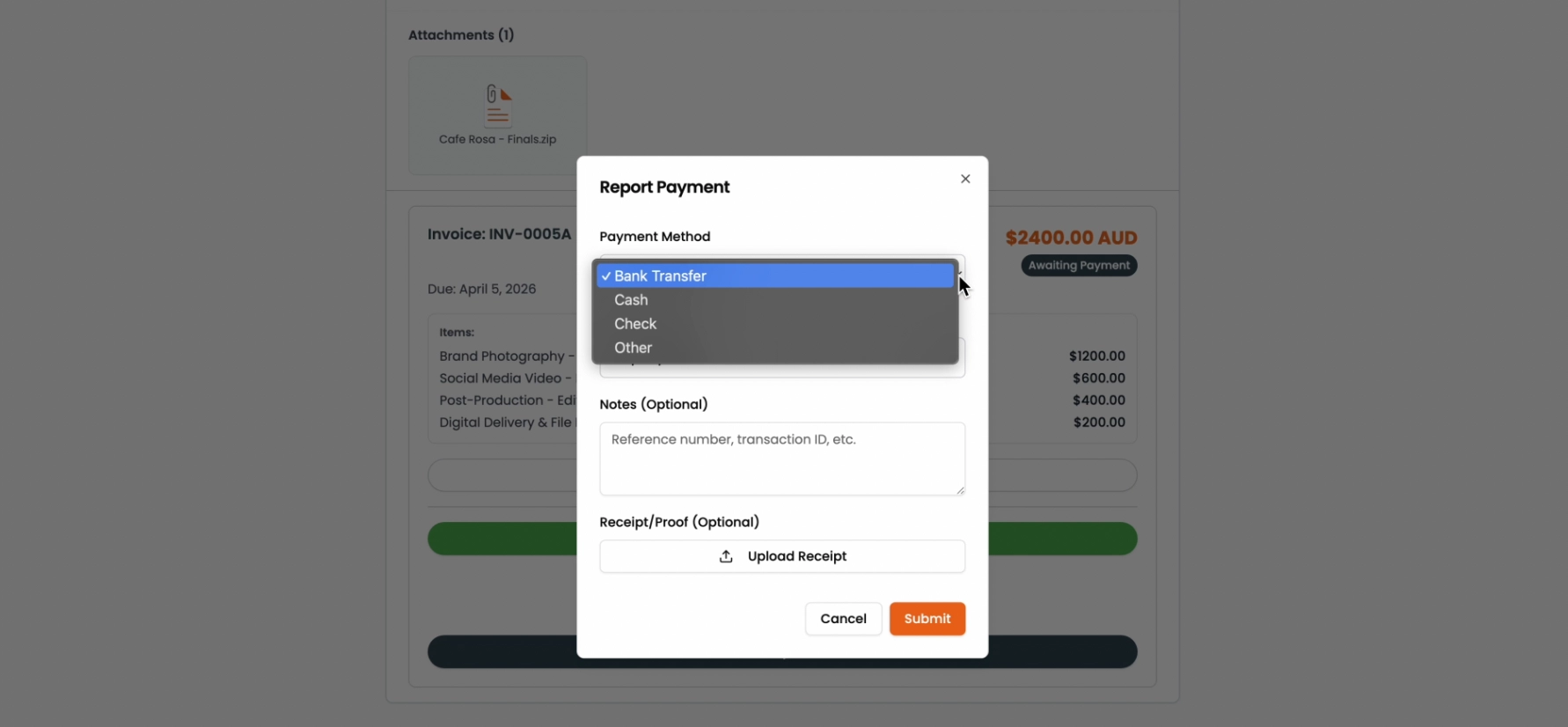
For manual payment methods, the customer:
- Clicks I've Already Paid This
- Selects their payment method
- Optionally uploads a receipt or adds a note
- Clicks Submit
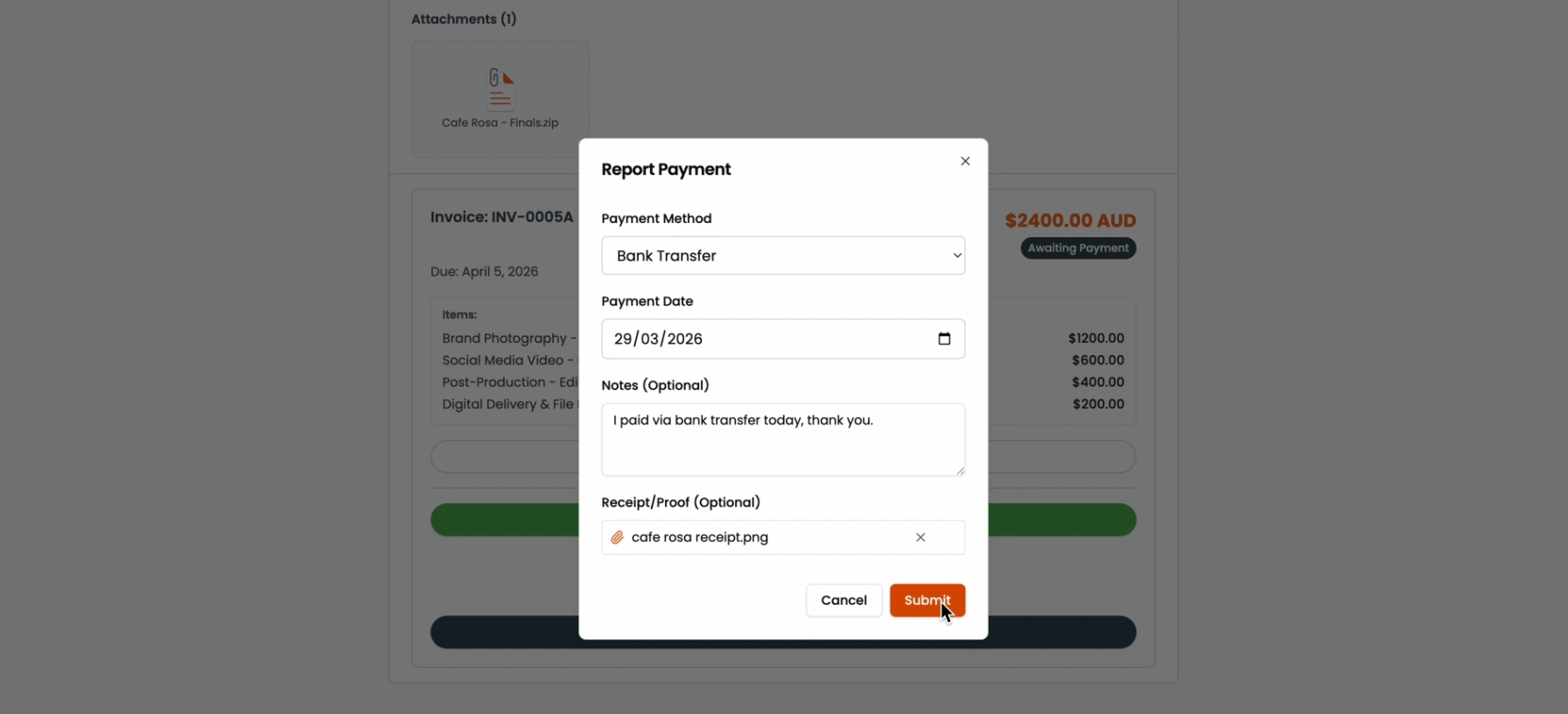
You're notified when they submit, and you can review the details before confirming payment on your end.
If a customer pays via bank transfer, asking them to upload a screenshot of the transfer as their receipt makes reconciliation much easier.