Account & Settings
Profile settings
Your profile settings control your personal details within FoxTrak — how your name appears to teammates and how you log in.
Updating your display name and avatar
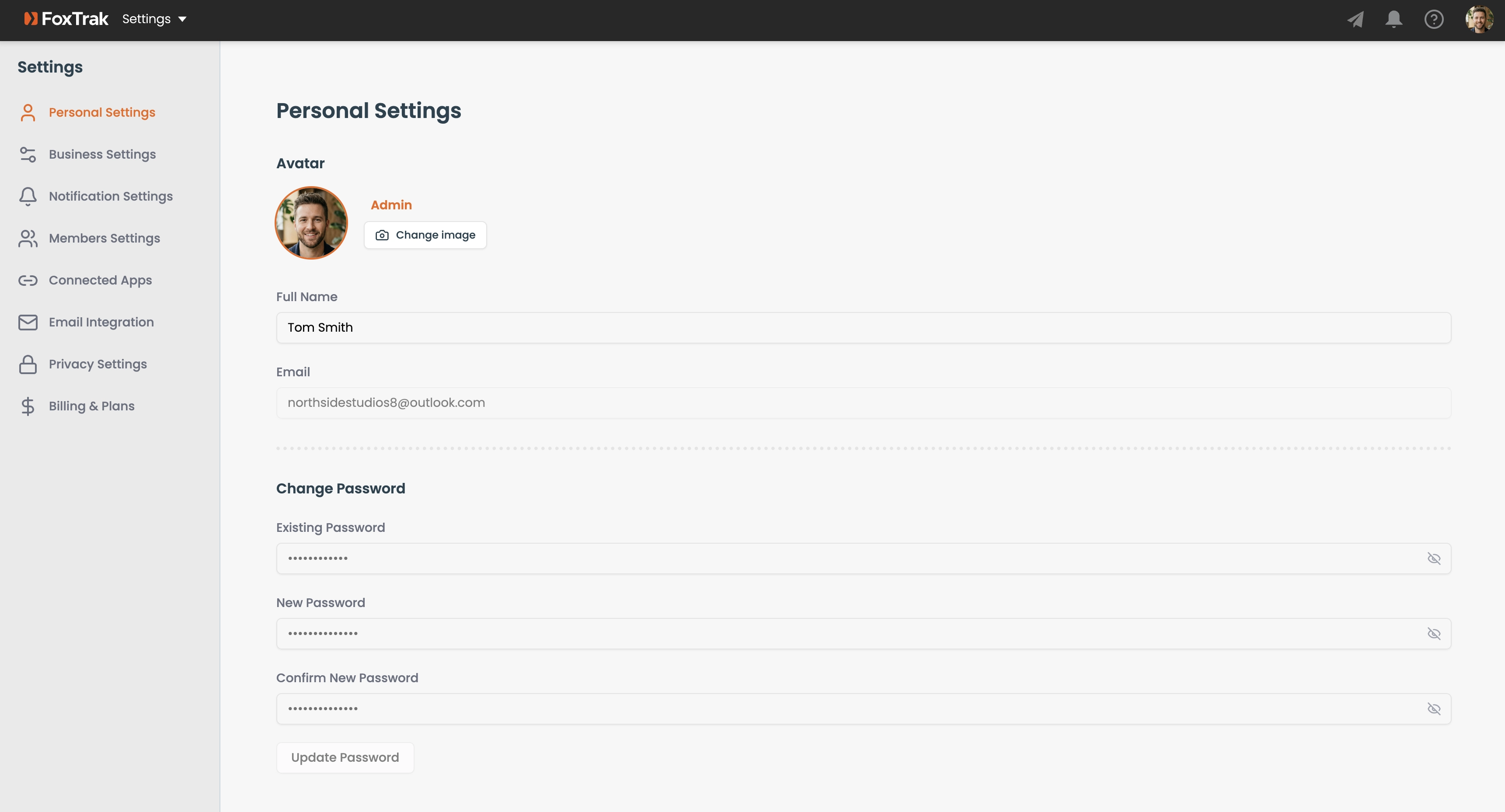
- Go to Settings → Personal Settings
- Edit your display name
- Click Change image to upload a profile photo (max 2MB, resized to 256×256px)
Changing your password
- Go to Settings → Personal Settings
- Enter your current password
- Enter and confirm your new password (minimum 6 characters)
- Click Update Password
Two-factor authentication
Enable 2FA from Settings → Personal Settings by toggling it on and scanning the QR code with an authenticator app (Google Authenticator, Authy, etc.).
Email address
Your email address is display-only and can't be changed from your profile settings.
Your display name is what teammates see when you're assigned to steps or mentioned in comments — use your real name so everyone knows who's who.