Account & Settings
Subscription and billing
Manage your FoxTrak plan, view your current usage, and access your billing history from the Billing & Plans tab in Settings.
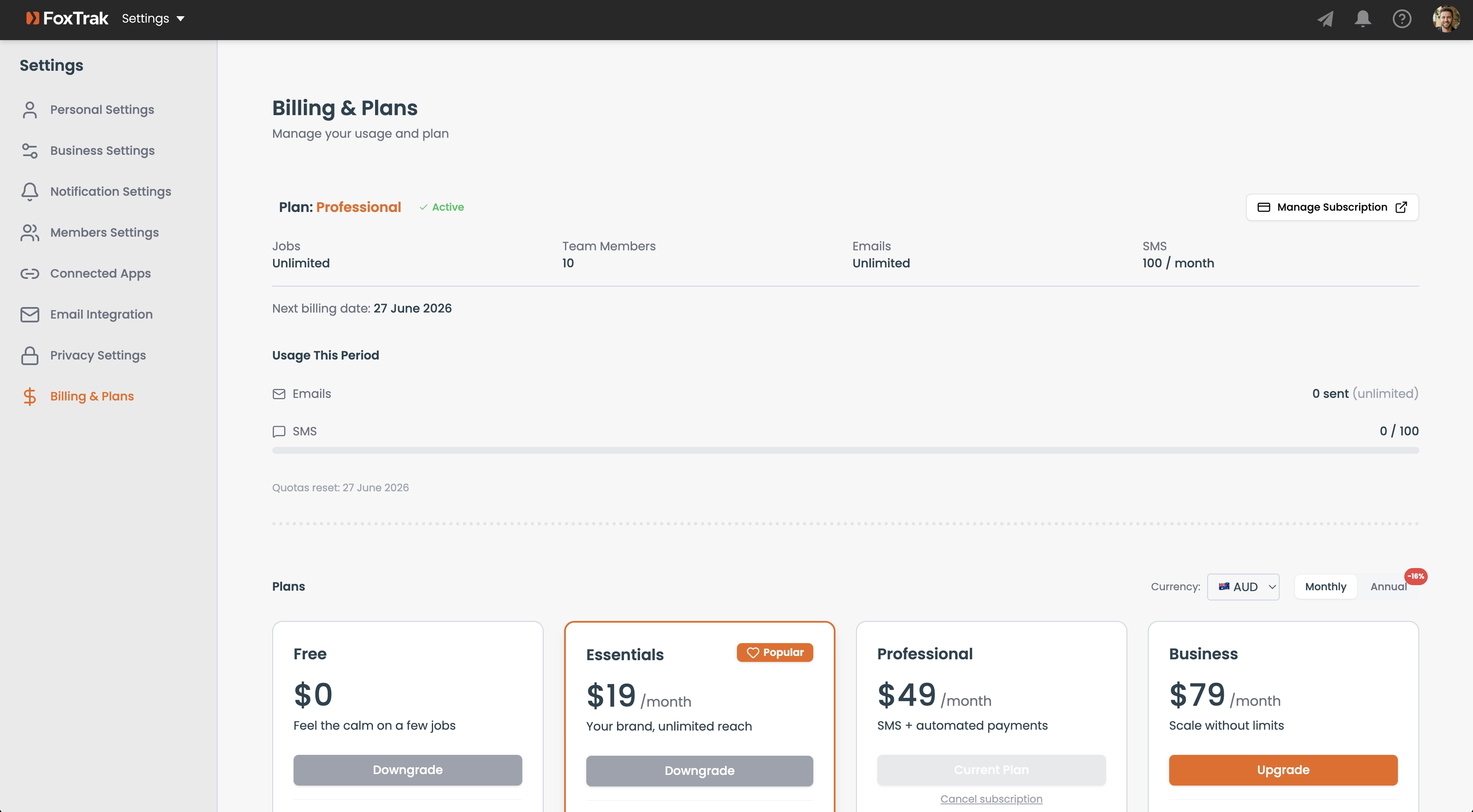
Viewing your plan
Go to Settings → Billing & Plans to see:
- Your current plan (Free, Essentials, Professional, or Business) with a status badge
- Your plan's job limit, member limit, email limit, and SMS quota
- Your current period end date
Upgrading your plan
Upgrade buttons are shown for each higher tier with pricing. Click to start the upgrade flow — you'll be taken to a Stripe checkout page.
Managing your subscription
Click Manage Subscription to open the Stripe Customer Portal. From there you can update your payment method, view past invoices, and manage or cancel your subscription.
Only Admins can access billing settings and make changes to the subscription.